
Connecting your Twilio Account
Edited
If you have a managed Twilio account for SMS you can connect it to the CRM. You will be able to send and receive SMS from the CRM.
Follow the guide below to get set up.
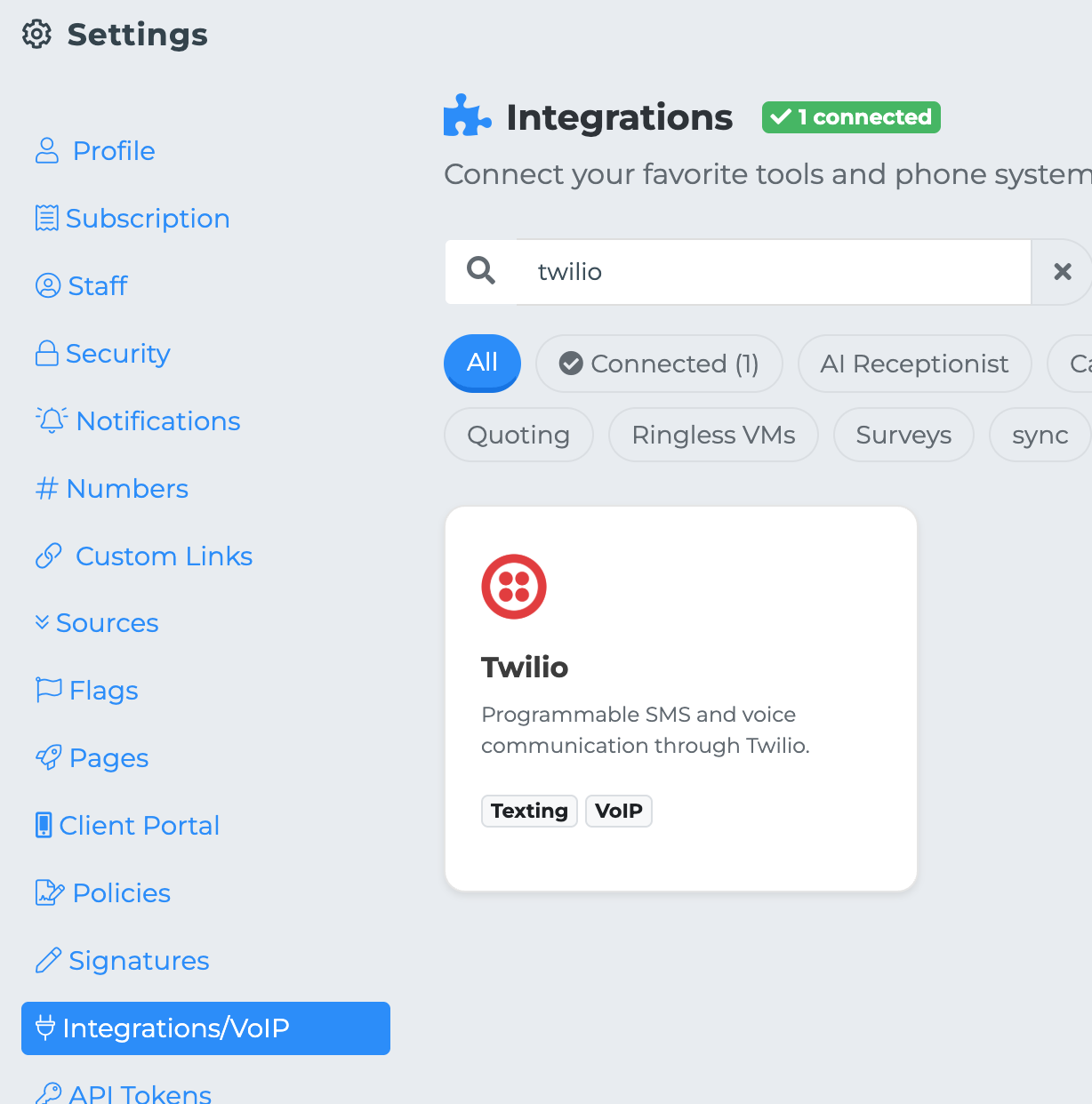
Navigate to your setting page and click "Integration"
Find Twilio and click "Connect"
Enter your Twilio Account Token and Account SID
Click "Save"
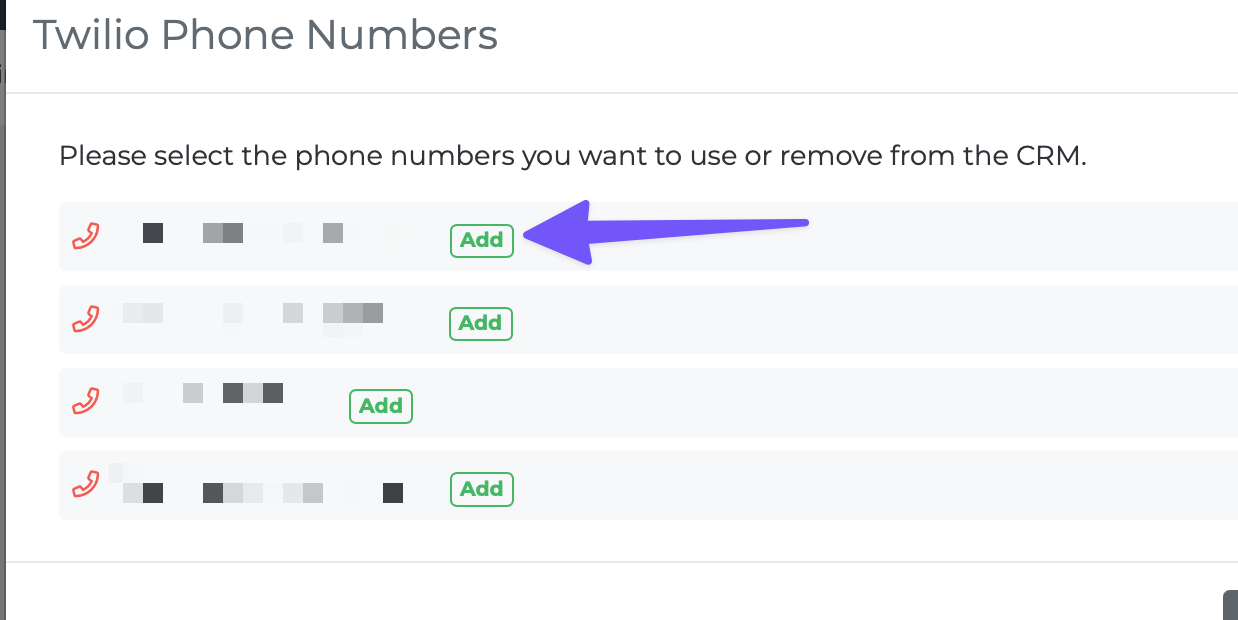
If your account connect a new pop-up will appear that lists your Twilio phone numbers.
Add the phone numbers that you want to use in the CRM.
twilio