
Making/editing a Flow
Edited
Flows are comprised of various "Stages". Your Stages define the logical progression of a Flow.
To make a new flow follow these steps:
Go to the Flows page
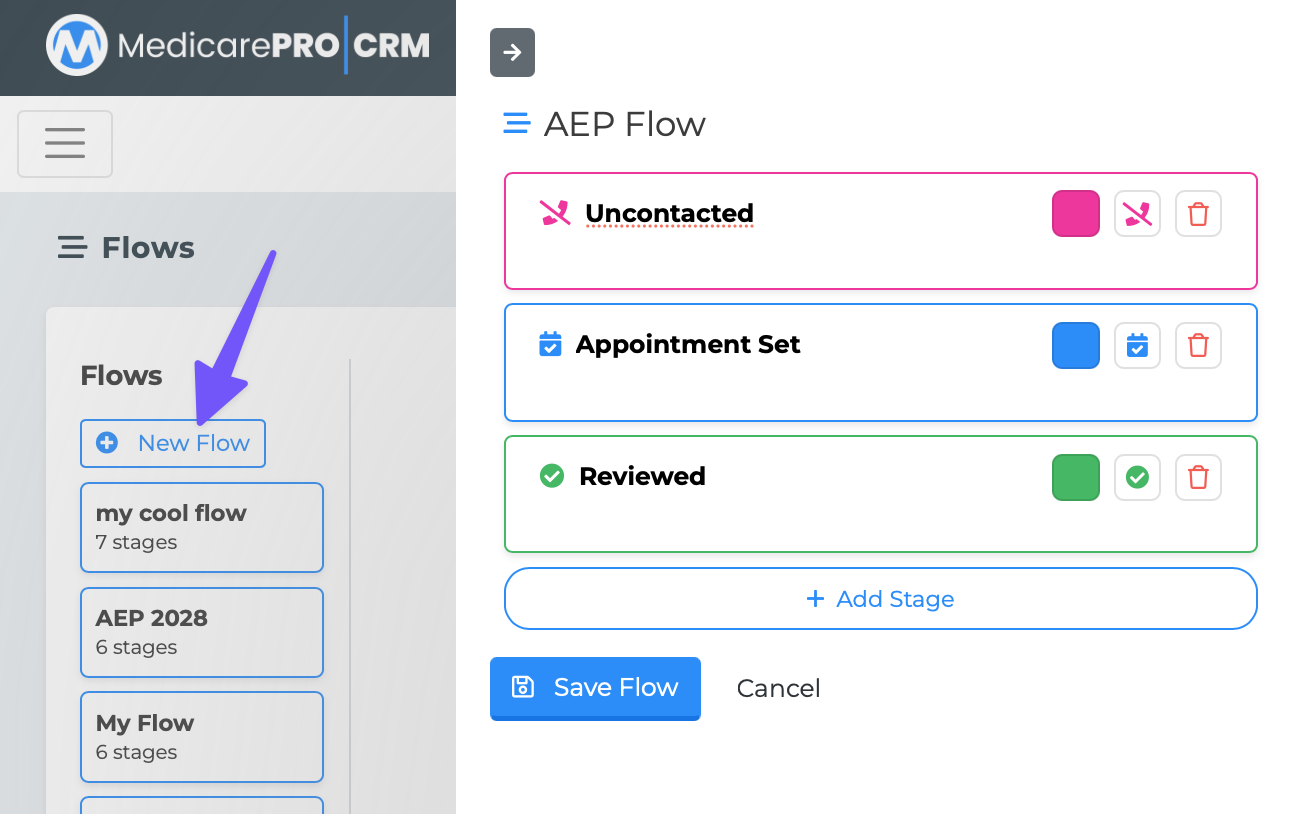
Click the "New Flow" button. A panel should open from the right.
Give your Flow a name
Add your Stages (give your stage a name, color, and icon)
Save your Flow.
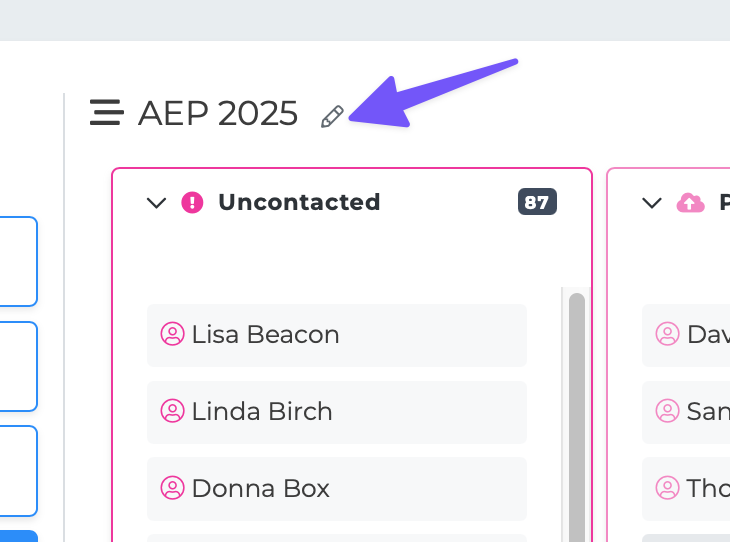
To edit a Flow Click the edit icon next to the Flow name
Flows
New Flow