How the HealthSherpa Medicare integration works
Once you or your agency has connected your account you can now begin transferring contacts to HealthSherpa Medicare. To do this follow these steps.
Go to the profile page of a client or prospect in the CRM.
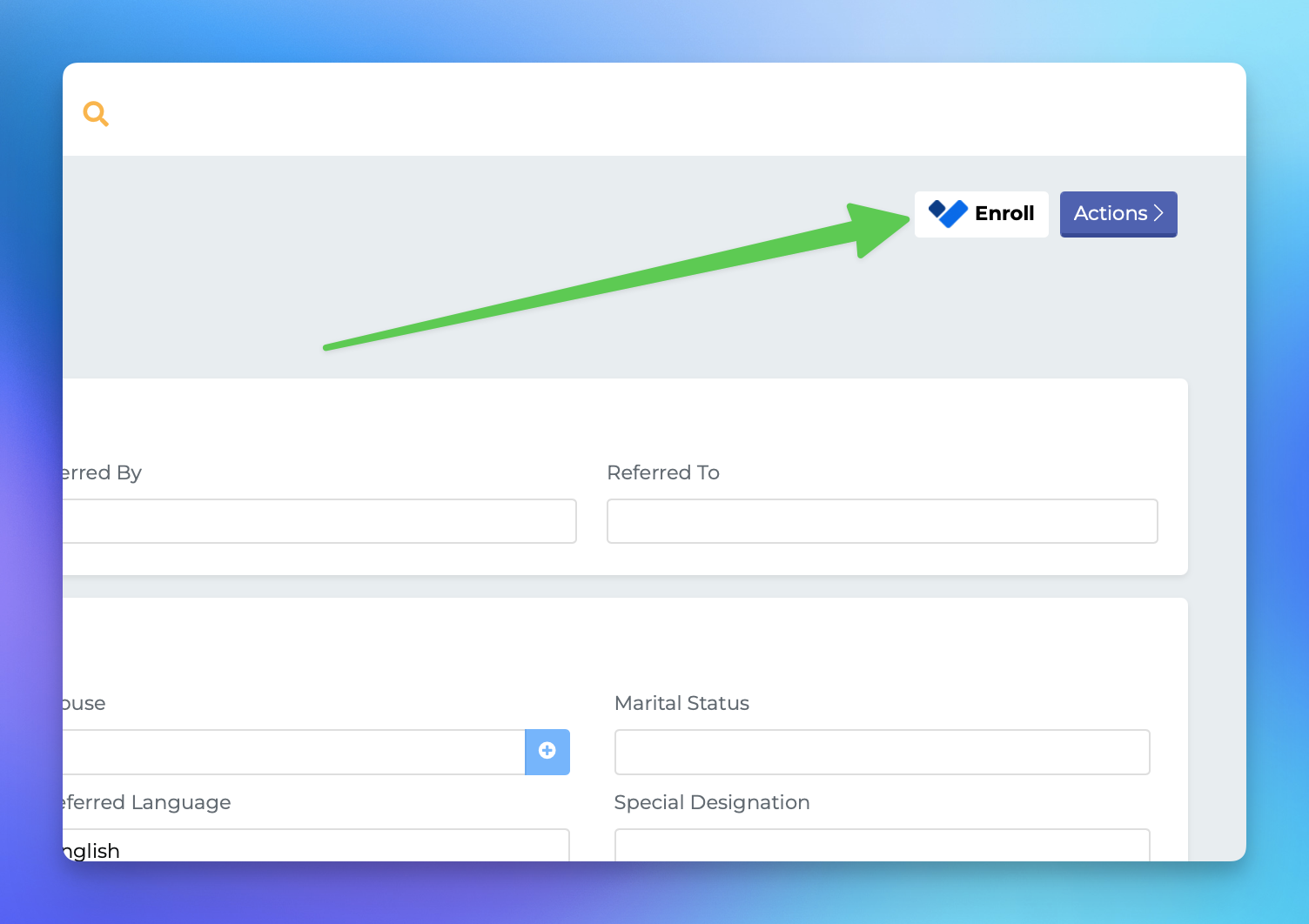
Locate the "Enroll" button at the top-right of the screen and click it.
If MedicarePRO detects that you havn't synced this contact yet, we will make a new contact on HealthSherpa, otherwise we will update the record.
A pop-up modal should appear, letting you know that the sync was successful.
Find the "continue to HealthSherpa Medicare" button on the pop-up and click it to be redirected to the profile page. NOTE: if you are not already logged in at HS then you will be prompted to do that first.
Medicare PRO will send the following data to HFSM:
Contact
Drugs
Providers
Pharmacies
HSFM will send the following data BACK to MPCRM
Contact
Drugs
Providers
Pharmacies
Enrollment data