
Connecting PCEA
Edited
To enable syncing of data from the CRM to PCEA and from PCEA to the CRM follow these steps.
Log into your PCEA selling site
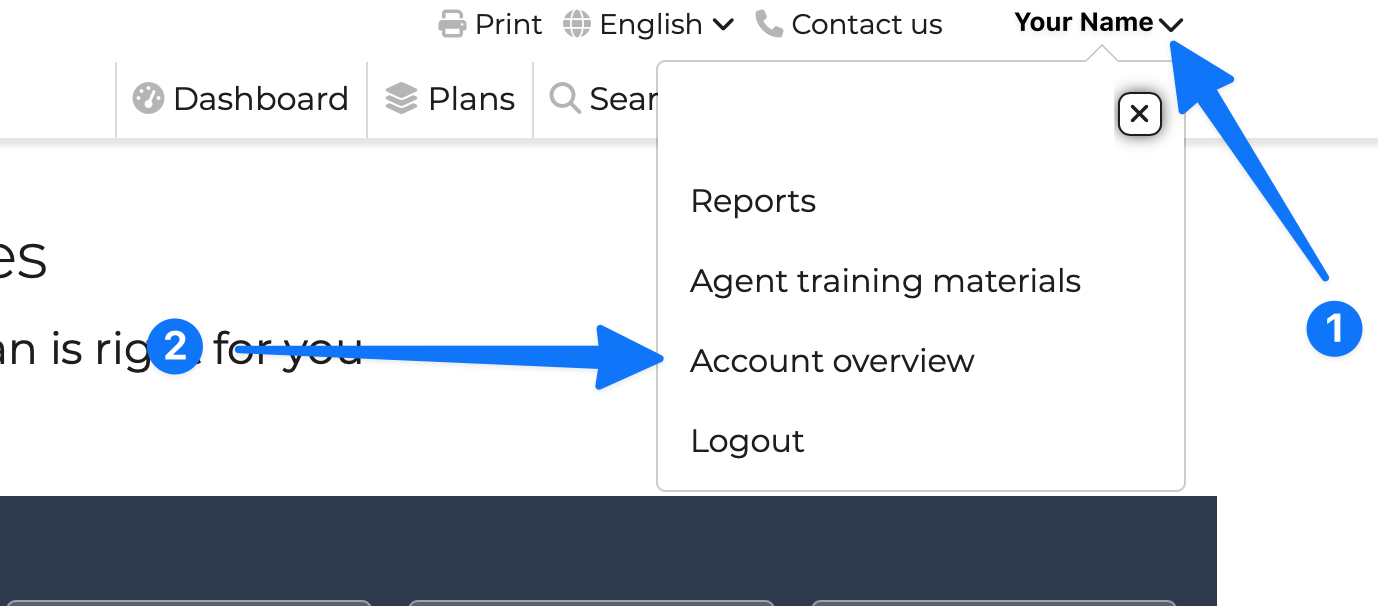
Click your name at the top right and then click Account overview
Find and click Connected Apps

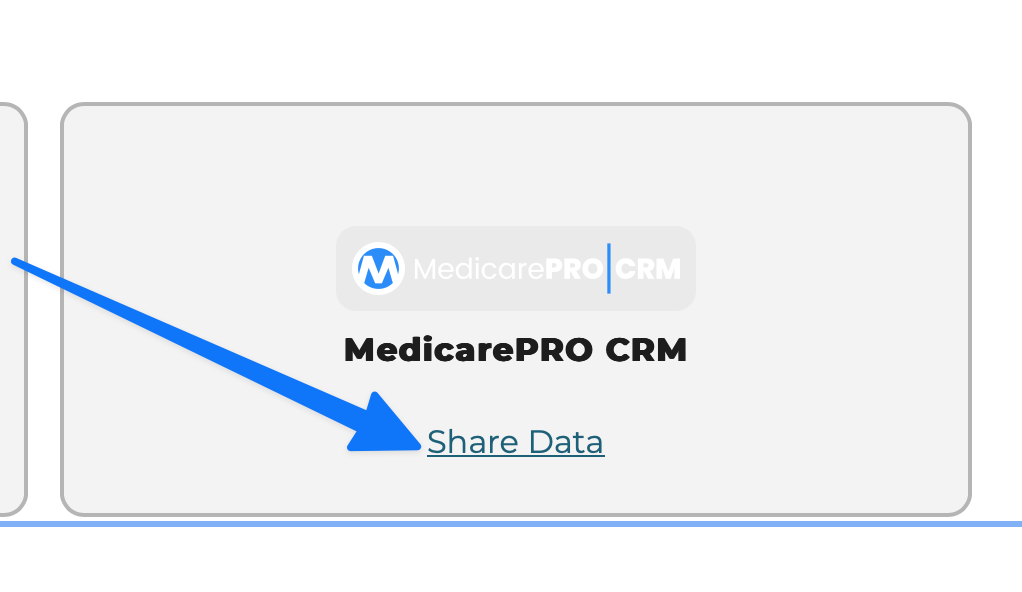
Find MedicarePRO and click "Share Data"
You will be redirected to the MedicarePRO login screen where you will enter your username and password
That's it!
connecture
enrollment