
Connecting careCycle
Edited
This document provides a step-by-step guide on how to connect careCycle to MedicarePro CRM. By following these instructions, you will be able to seamlessly integrate the two platforms, allowing for efficient data synchronization.
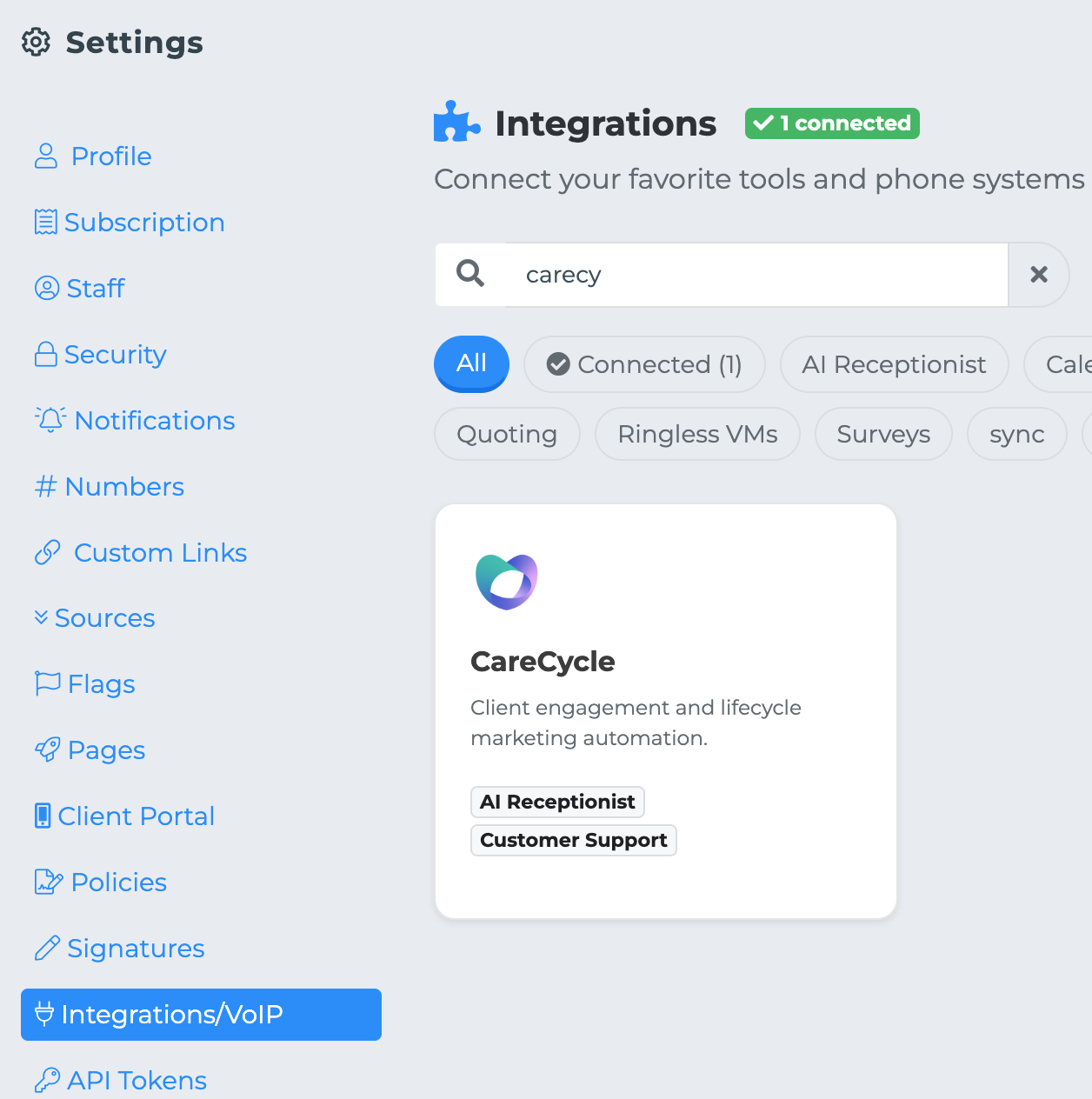
Steps to Connect careCycle to MedicarePro CRM
To successfully connect careCycle to the MedicarePro CRM, please follow the steps outlined below:
Navigate to the settings page in your careCycle account
Click on "API Keys" under "Developer Settings" in the sidebar
Click "Create API Key", give it a name, and select "All" permissions
Copy your API key and paste into MedicarePRO
Congratulations! careCycle can now pull client data for AI features.
carecycle
integrations
AI