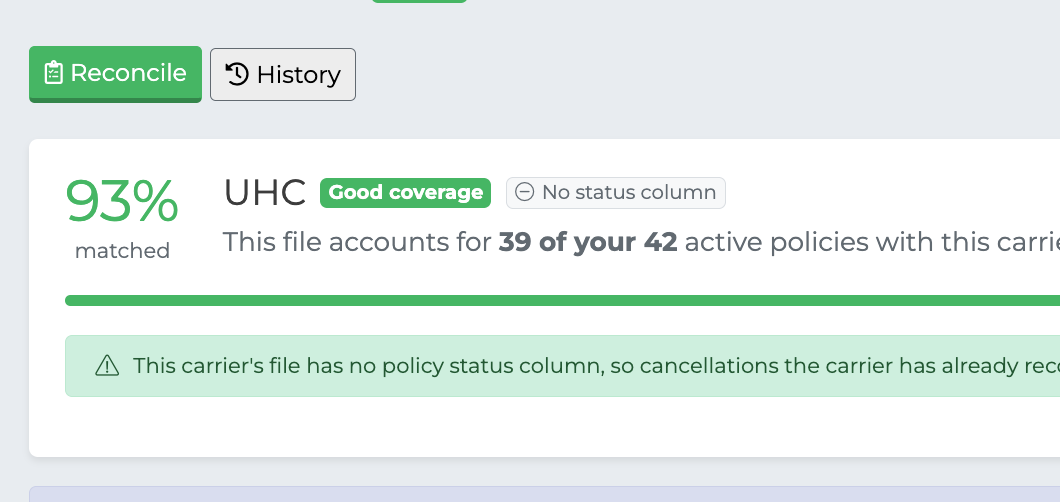
Reconcile Book Overview
Purpose
Reconcile Book answers one question: has anyone dropped off your carrier's books without you being told?
You upload a carrier's book of business report, and the CRM compares it against every active and pending policy you hold with that carrier in the CRM. It then shows you the clients the carrier no longer has, so you can bring your CRM back in line with reality.
This matters because the CRM only ever finds out about a policy ending if somebody tells it. A client who cancels directly with the carrier, moves to another agent, or lapses for non-payment stays "Active" in your book indefinitely. Over a few years that quietly inflates your book, your renewals forecast and your production numbers.
What it tells you
There are two ways a carrier's report can show that a client is gone:
The carrier says so. Their report lists the client and marks the policy cancelled, terminated or disenrolled. This is a direct statement, and it is the most reliable signal available.
The client isn't on the report at all. Their book of business no longer includes someone your CRM says is active.
Both are surfaced, along with the context you need to tell a genuine drop-off from a false alarm — for example, a client who simply moved to a different carrier you also write for.
How this is different from Import
Reconcile Book and the Import page both take a carrier file, which makes them easy to confuse. They do opposite jobs.
Import | Reconcile Book | |
|---|---|---|
Adds people and policies to your CRM | Yes | No |
Updates existing policies | Yes | Only when you choose to |
Tells you who has dropped off | No | Yes |
Needs column mapping | Yes | No |
Import is how business comes in. Reconcile Book is how you find out what has gone out.
If a reconciliation shows people on the carrier's file who aren't in your active book, you can hand the file straight to the import team from the results screen — see Taking Action.
Nothing changes until you say so
Uploading a file and running a comparison never changes anything in your CRM. No policies are cancelled, no clients are marked inactive, nothing is created.
The comparison only reads your book and reports back. Every change is something you select and confirm yourself, and every change can be undone.
What you need
A book of business report exported directly from the carrier's portal, in
.csv,.xls,.xlsxformat, up to 10MB.Active or pending policies in your CRM for that carrier — there is nothing to compare against otherwise.
The file must be the carrier's export exactly as they gave it to you. The CRM recognizes which carrier a report came from by its column headers, so a file that has been opened and re-saved, had columns added or renamed, or been merged with another report will often fail to read — or be matched to the wrong carrier.
Where to find it
Reconcile Book is in your account menu, next to Import.
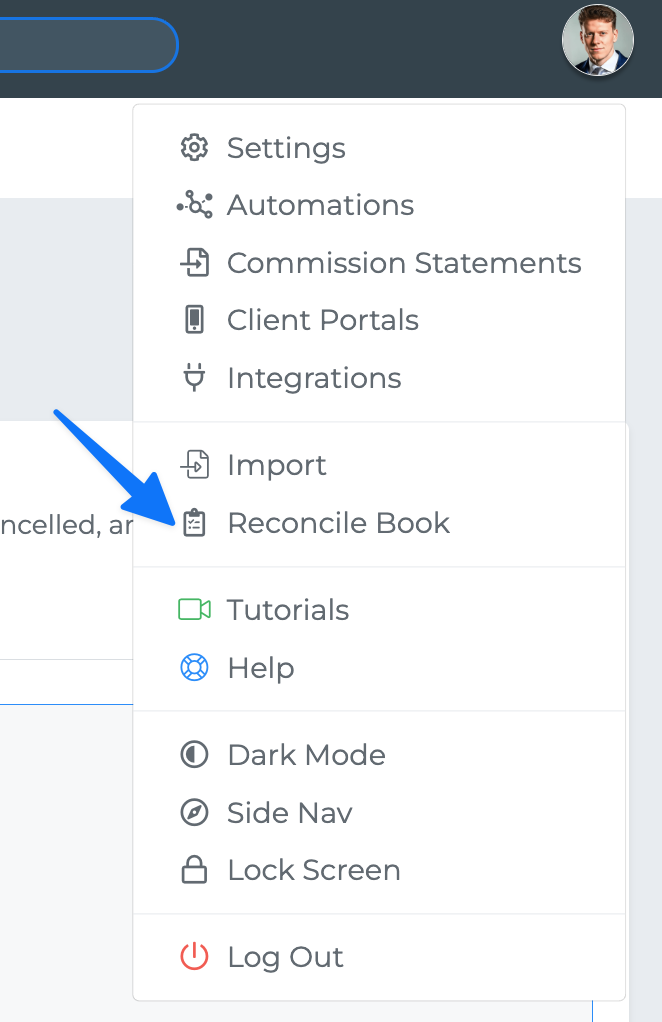
The page has two tabs:
Reconcile — upload a file and work through the results.
History — every file you've processed and every change you've made.