
What is a Questionnaire?
A questionnaire is a reusable set of questions you build once and run against any client. Use them for needs analyses, intake forms, fact-finds, qualification screens — anything where you ask the same questions of multiple clients and want the answers saved on each profile.
Questionnaires live at the agent (user) level — you build and own them, and the answers save against each individual.
What's in a Questionnaire?
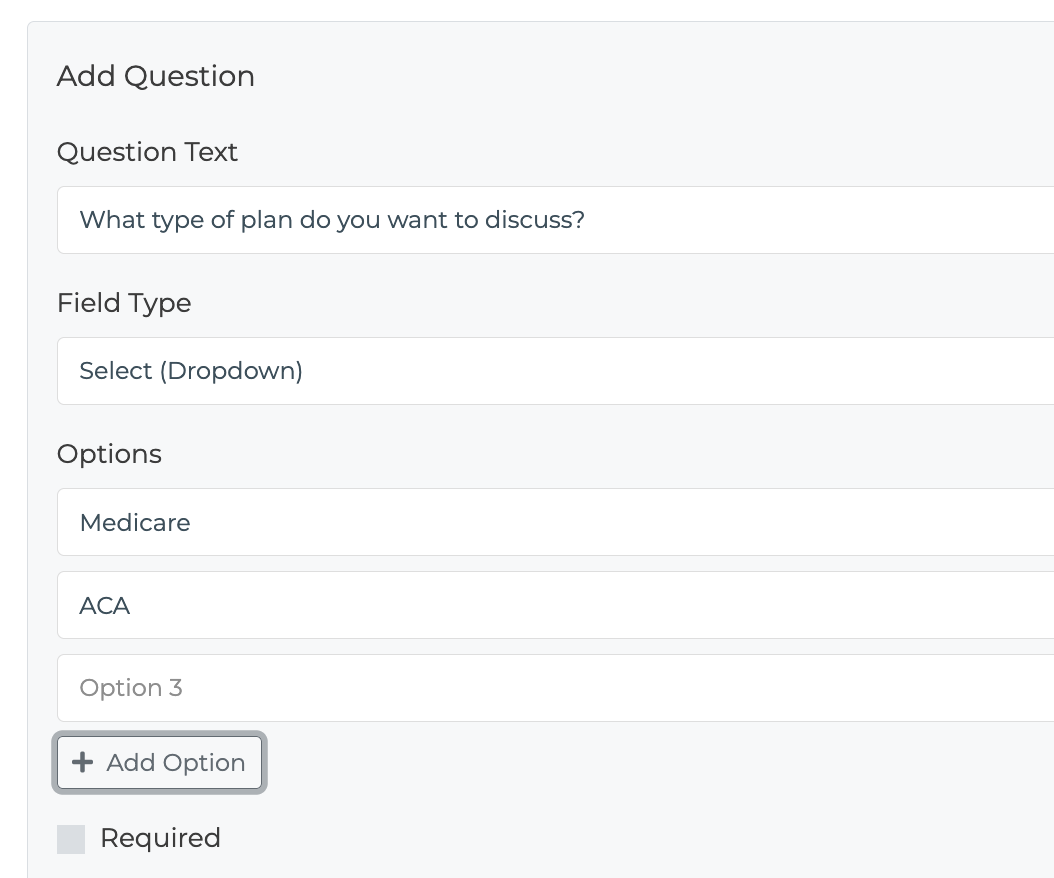
Each questionnaire is made up of one or more questions. Each question has:
A question text (what the client or agent reads)
A type that controls the input shown:
- Text — free-form short answer - Number — numeric input - Date — date picker - Yes / No — two buttons - Select — dropdown of options you define
An optional required flag
Linear vs. Branching Flows
A questionnaire can run in two ways:
Linear — every question is asked in order. This is the default and requires zero setup.
Branching — answers can route the client down different paths (e.g., a "Yes" goes to one follow-up, a "No" goes to another). Configure routing in the Flow tab inside the questionnaire builder.
If you don't configure any routing, the questionnaire just runs straight through, top to bottom.
Where Do I Build Them?
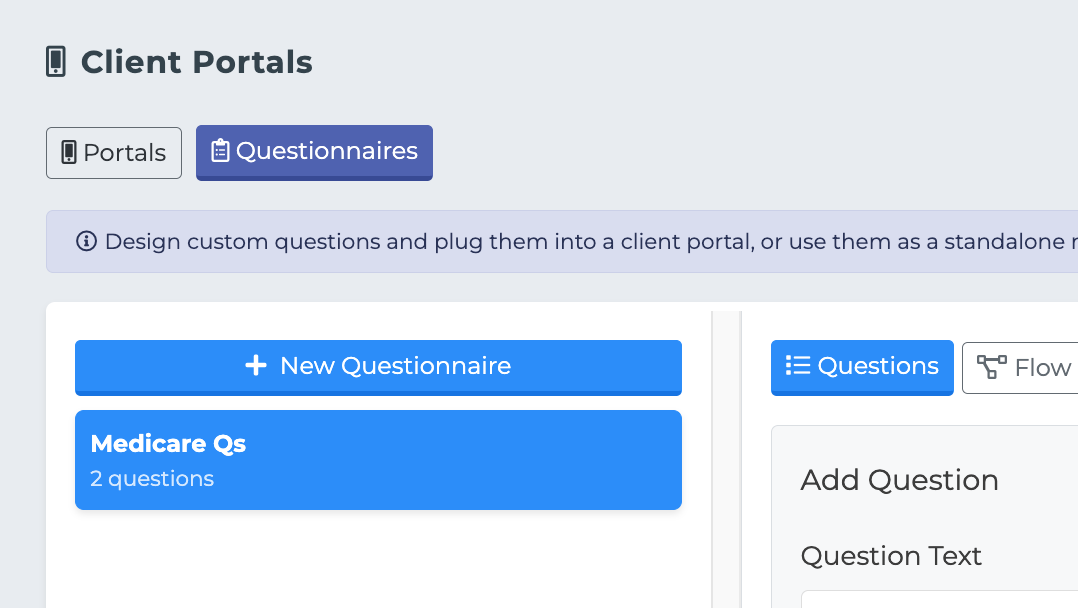
Open the Client Portals page and click the Questionnaires tab. From there, hit New Questionnaire, give it a name, and start adding questions.
What Can I Do With a Questionnaire Once It's Built?
Three things:
Plug it into a client portal so a client fills it out themselves on the web.
Run it standalone from any profile, agent-driven (over the phone, in person, etc.).
Share it with your downline so other agents in your hierarchy can use it (or clone it as a starting point for their own).
Each of these is covered in its own article.