
Sharing a Questionnaire With Your Downline
If you've built a great questionnaire — a polished needs analysis, a tight intake script, a compliance check — you can share it with your downline so the agents under you can use it as a starting template.
How Sharing Works
Sharing is clone-on-pick, not live-attached. Here's what that means:
You toggle Share on your questionnaire.
It now shows up in your downline agents' "Shared Questionnaires" picker.
When a downline agent picks it, they get their own copy under their account.
They can edit, rename, and use their copy freely. Your original is untouched.
This means your downline can build on your work without risk of breaking yours, and you can keep tweaking yours without forcing changes on them.
To Share One
Go to Client Portals → Questionnaires.
Click the questionnaire you want to share.
In the detail view, click the Share button.
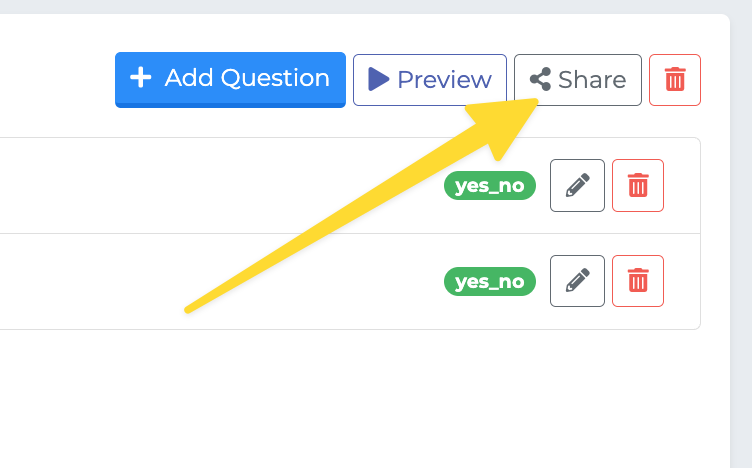
The button switches to Shared with a tooltip "Shared with downlines — click to unshare" so you always know its current state.
To Unshare
Click the Shared button again. It flips back to Share and the questionnaire is immediately removed from your downline's picker.
Note: Unsharing does not delete copies that downline agents have already cloned. Those are now their own questionnaires and live with them.
On the Downline Side: Cloning a Shared Questionnaire
A downline agent who wants to use one of your shared templates:
Goes to Client Portals → Questionnaires.
Clicks New Questionnaire (or the equivalent template chooser).
Picks Shared Questionnaire instead of Blank Questionnaire.
Selects yours from the "Select a shared questionnaire to use" list.
Confirms — they'll see Cloning... briefly, then their own copy opens for editing.
If you haven't shared anything, the picker shows "No shared questionnaires, create a blank one instead."
Who Counts as "Downline"?
Sharing is scoped through your agency hierarchy. Any agent in your downline (the agents your agency oversees) can see and clone the questionnaire. It is not shared with peer agents outside your downline.
Best Practices
Name shared questionnaires clearly — your downline sees the name verbatim. "MAPD Needs Analysis 2026" beats "test 3".
Re-share after big edits — since downline copies are independent, you may want to message your team when you've made improvements they should re-clone.
Keep a "master" copy you don't run on real clients — that way your shared template stays clean and you can experiment on a separate copy.