
Agency Book — Overview
The Agency Book is a reporting hub that gives agency owners and managers a consolidated view of their downline's sales activity, contracting status, licensing, RTS (Ready to Sell) status, and agent contact information. Reports can be filtered, refined, and exported to CSV.
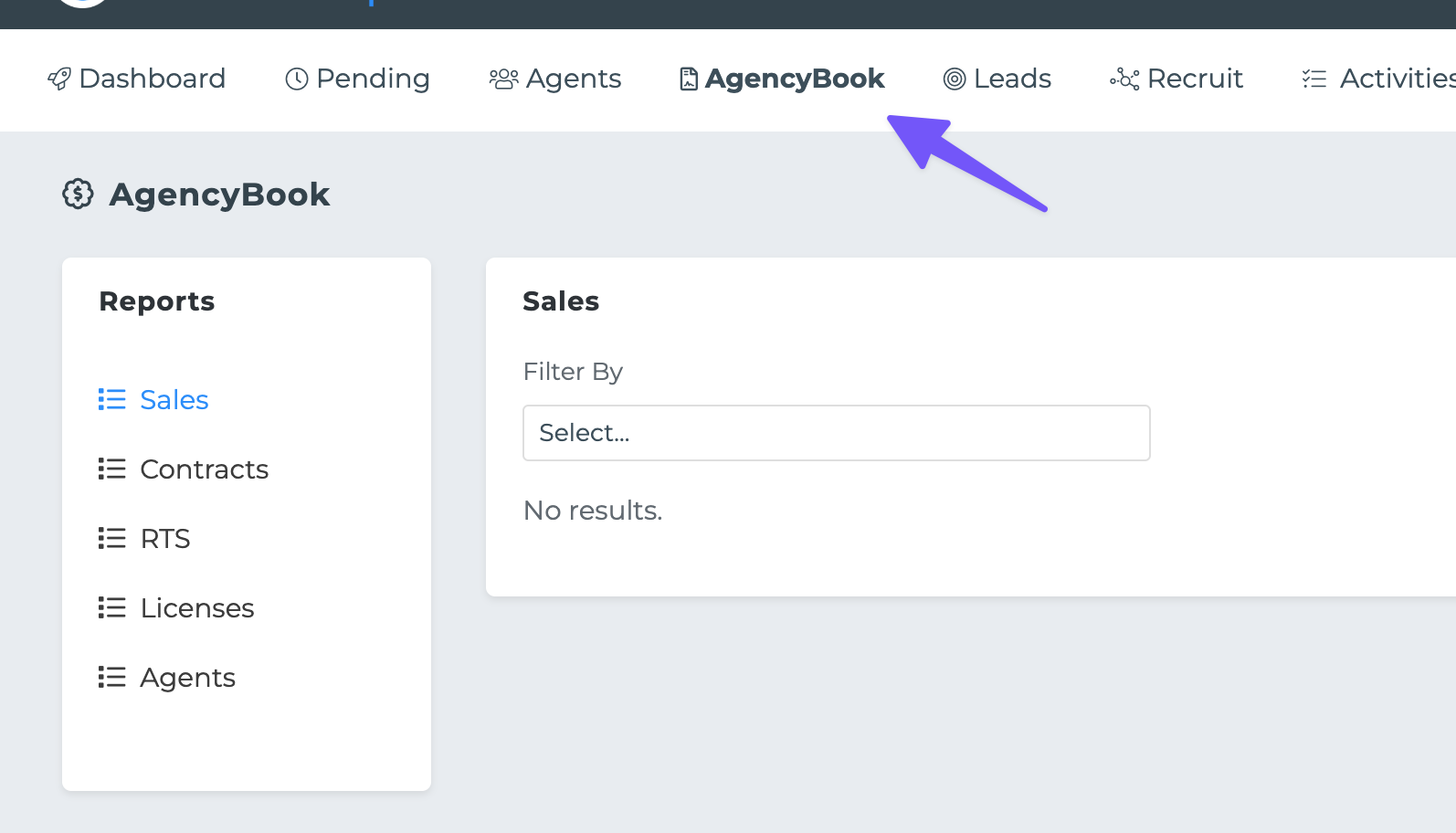
Five report types are available:
Sales: Policy-level data for your downline agents — member details, policy info, PCP providers, lead source, and more.
Contracts: Carrier contracting details including status, company, products, states, upline, and writing numbers.
RTS: Ready-to-Sell status per agent per carrier. Same data as the Contracts report with an additional RTS column.
Licenses: State insurance license details for each agent — state, status, expiry, license number, and type.
Agents: Contact and demographic information for all agents in your downline.
Running a Report
To run a report:
1. Select a report from the left sidebar (e.g. Sales).
2. Choose a filter from the "Filter By" dropdown. Each report has its own set of filter options (see below).
3. Refine your selection — if the filter is not an "All" option, a second dropdown appears with specific values (e.g. a list of carrier names or policy statuses). You can select multiple values.
4. Click "Run Report" to fetch results.
Results are displayed in a paginated table (25 rows per page). Use the pagination controls to navigate through large result sets.
Exporting Data
Once a filter is selected and refined, the "Export CSV" button appears alongside the Run Report button. Clicking it downloads a CSV file containing all matching records (not limited to the current page).
On the Contracts report, if your agency has an absolute upline agency, you will see a notification banner with the option to inherit contract details from your upline. When enabled, the Contracts report reflects your upline's contracting data. You can toggle this on or off at any time using the Enable/Disable badge in the banner.