
Connecting HealthSherpa Medicare (OAuth)
Edited
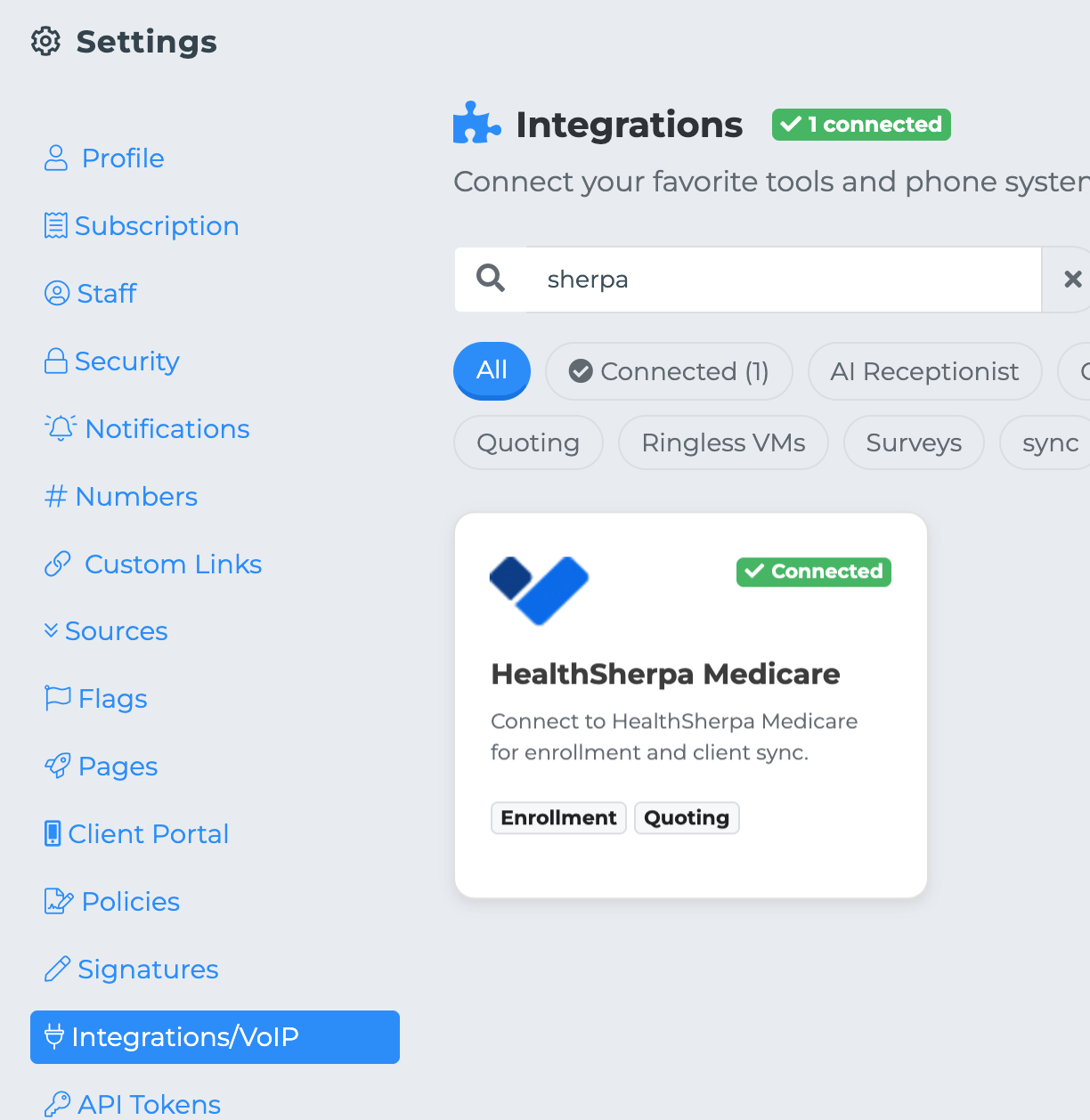
To connect the CRM to your HealthSherpa Medicare, please follow the steps outlined below:
Click on your initials or profile picture located in the top right corner of the screen, and then select Settings.
In the Settings menu, find and click on the Integrations tab on the left-hand side.
Locate HealthSherpa Medicare in the list of available integrations and click on Connect your account.
You will be redirected to the HealthSherpa Medicare authorization page. Here, enter your username and password to proceed.
Once you confirm your credentials, you will be redirected back to the CRM. Your HealthSherpa account should now display as Connected.