
Reporting with Flows
Edited
To get a list of individuals that belong to a flow>stage follow this process.
Navigate to the Reporting page
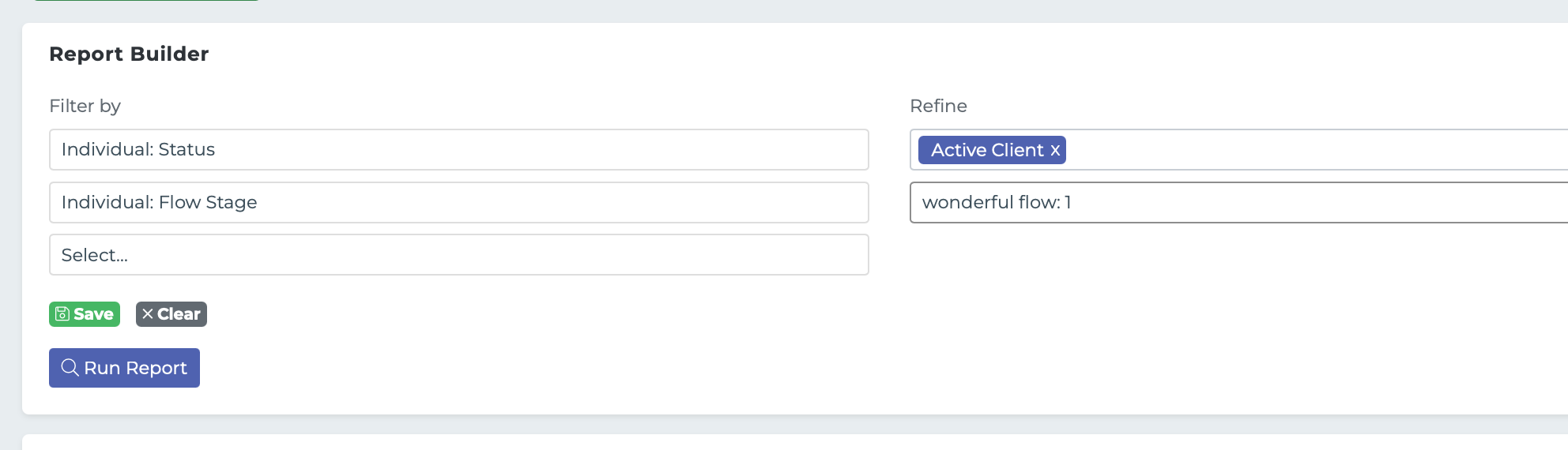
In the report Builder section select the Individual:Flow Stage filter under the "other" section.
This should list all the available Flow Stages in the refine area, select the Flow Stage you want.
Click "Run Report".
flows
flows reporting