
Setting up your TextRequest Account
Edited
TextRequest is an SMS-focused web application that integrates with your CRM. Once connected, you can send SMS from within the CRM using your TextRequest account. MedicarePRO will also capture inbound messages and automatically log both sent and received SMS on each contact’s profile page.
Get started
1) Generate an API token in TextRequest
Sign in to your TextRequest account
Create/copy an API token
2) Connect TextRequest in MedicarePRO
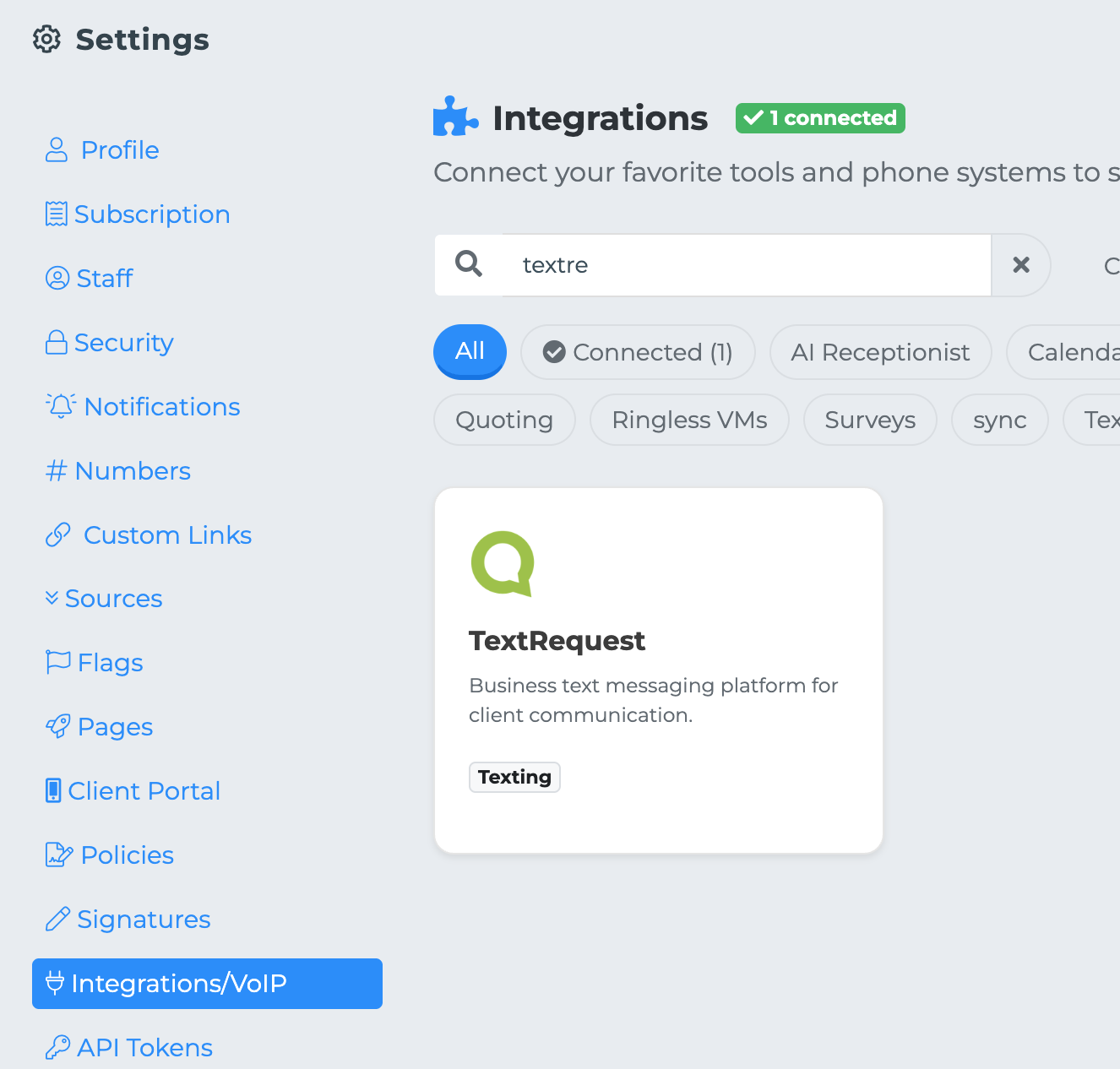
In MedicarePRO, go to Settings → Integrations → TextRequest
Click Connect
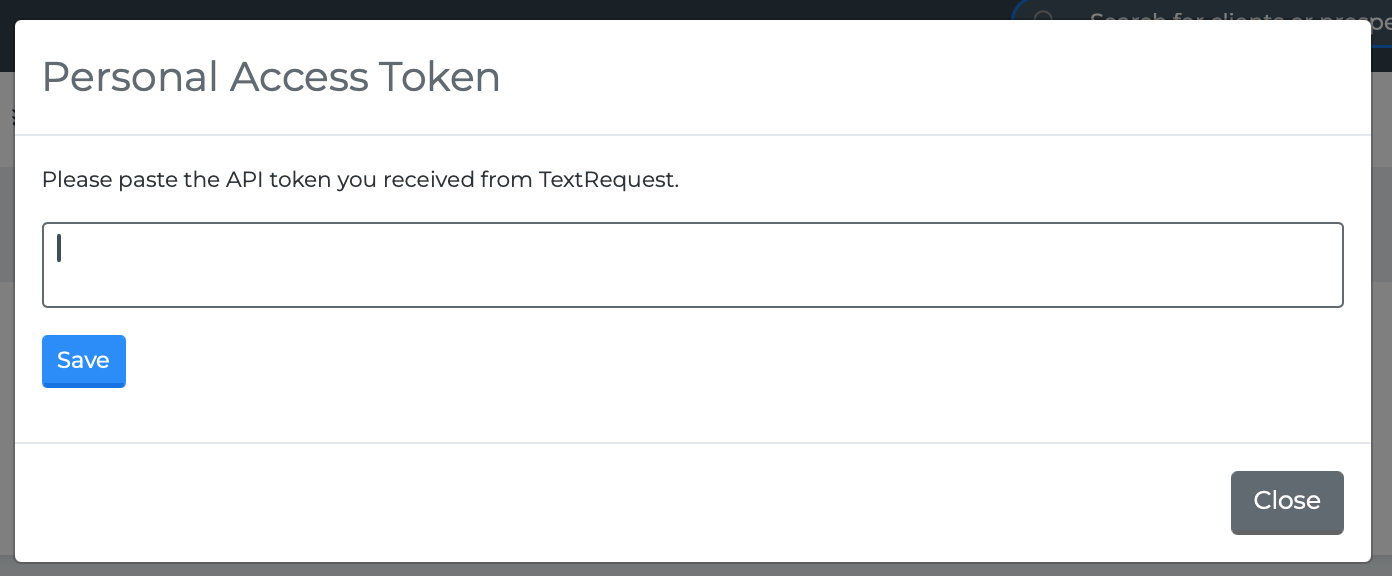
3) Enter your API token
Paste the API token you generated in TextRequest
Click Save
4) Select your dashboard
MedicarePRO will fetch your available Dashboard(s)
Choose the correct dashboard and click Save
You’re all set—SMS sending and message logging should now be enabled.
sms
textRequest